
DICOM Viewer: CT & MRI Scans
Open the scans your hospital gave you.
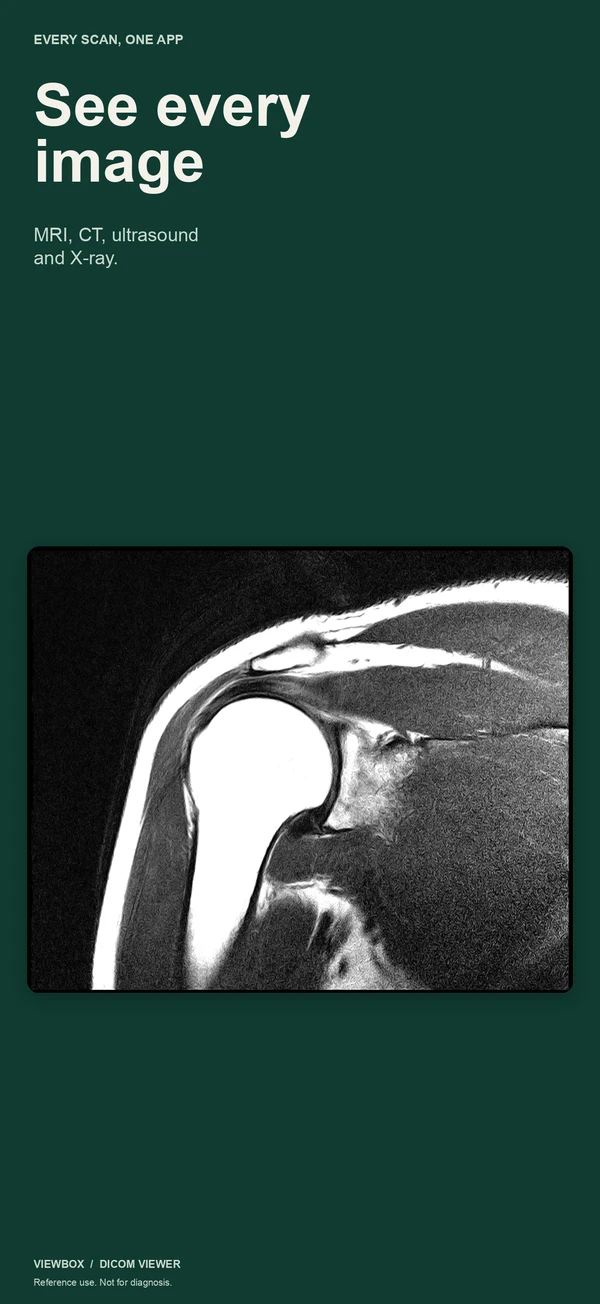
Viewbox opens the DICOM files from a hospital CD, USB stick or ZIP download on iPhone and iPad, and keeps them with the report and your questions for the next appointment.
One purchase, no subscription. Apple handles refund requests if it is not what you expected.
What changes
The hospital hands you a CD, and only a computer with a disc drive can open it.
Copy the disc once and every image is on your iPhone and iPad.
In the appointment you forget what you meant to ask, and which image it was about.
Your questions and the marked image are ready on your phone.
Free viewers want an account, or upload your scans to their cloud.
No account and no networking code. Your scans stay on your device.
What you get
Imports that tell you what happened
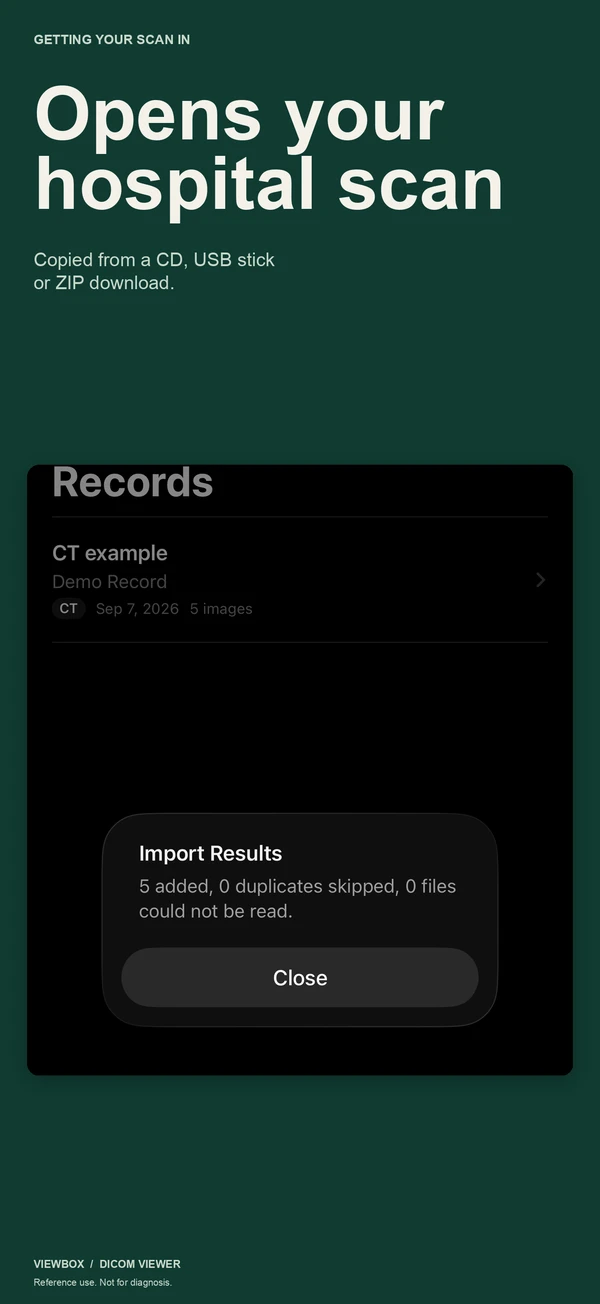
Pick the folder you copied from the disc, or a ZIP from your patient portal. Viewbox walks the whole folder, skips duplicates and tells you how many images it added and how many it could not read, instead of showing a blank screen.
Ready for the appointment
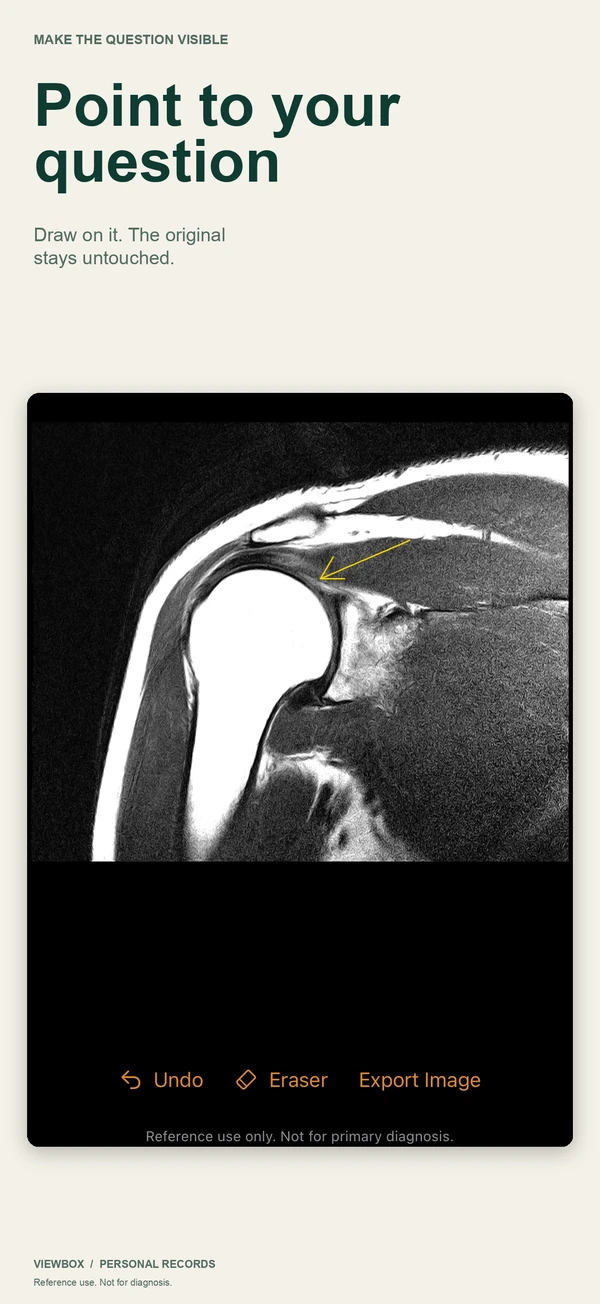
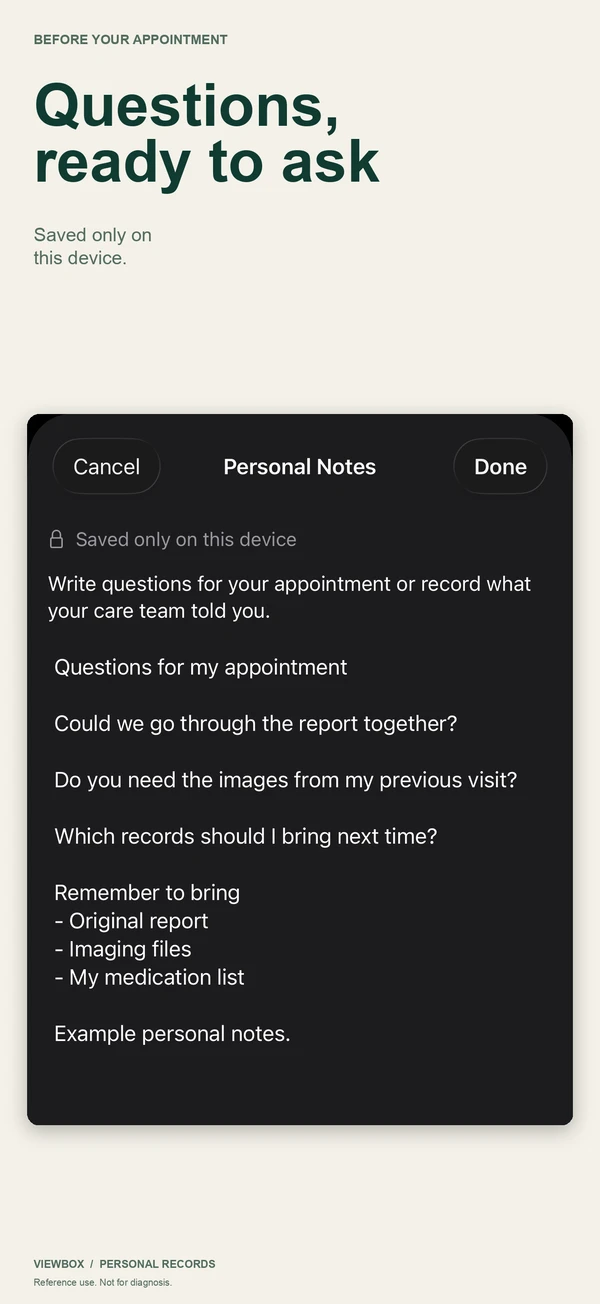
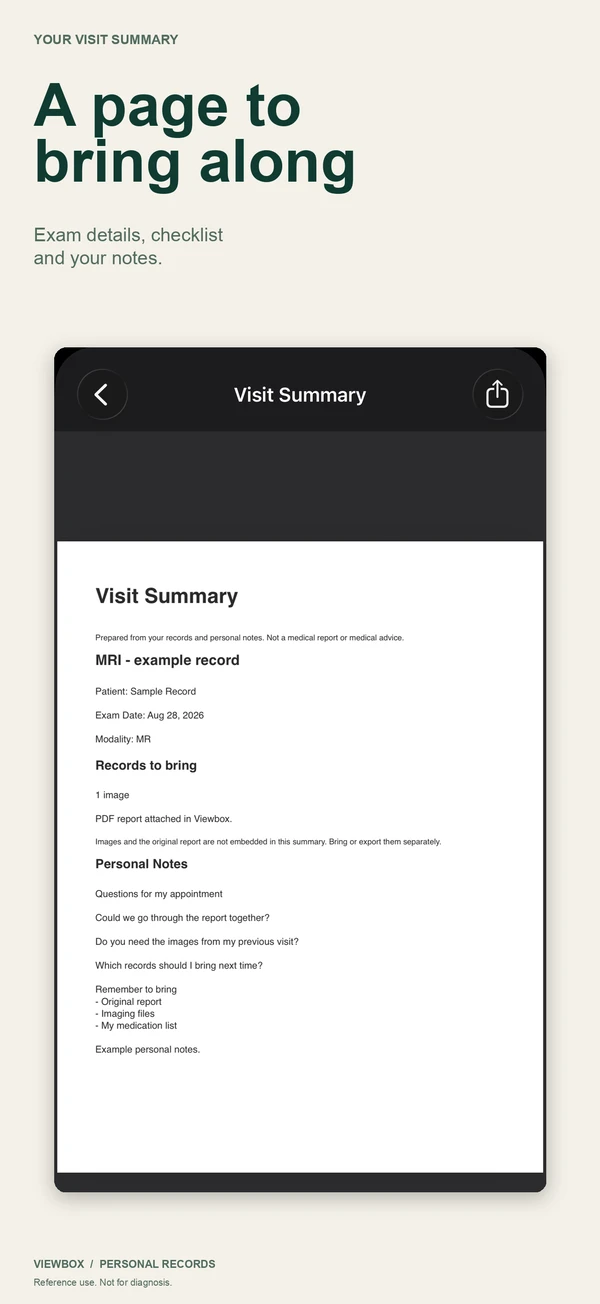
Draw on an image to point at your question without changing the original. Keep your questions beside the scan, attach the radiologist's PDF report, and make a one-page visit summary to print or show on your phone.
Private because it cannot upload
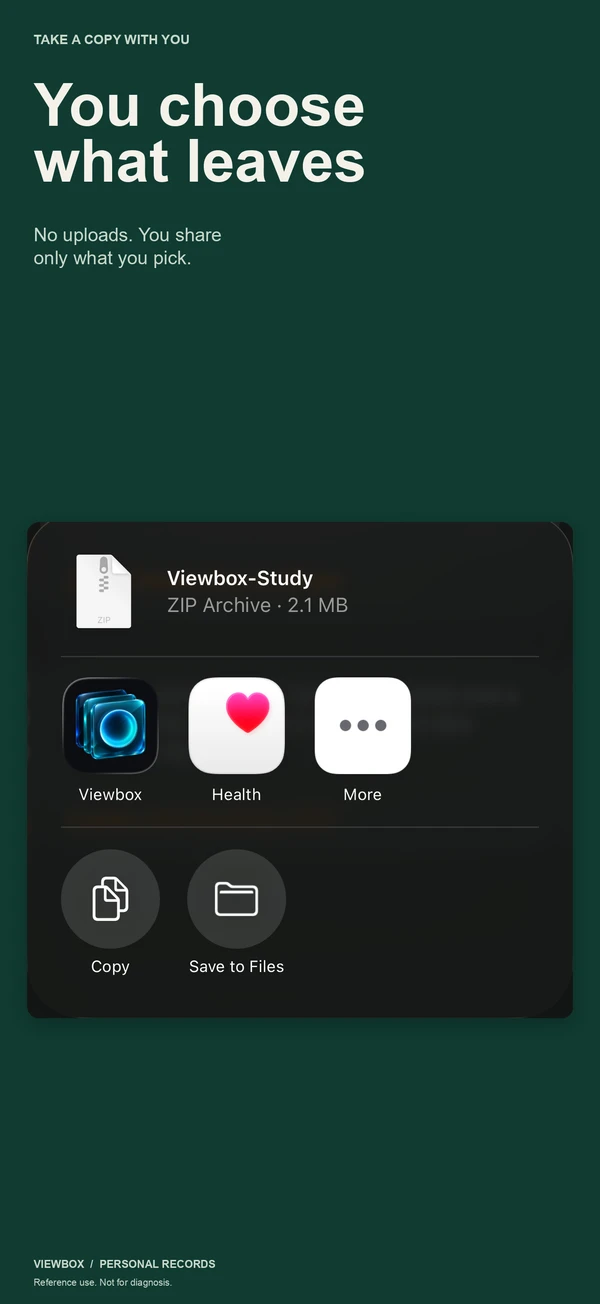
The app has no networking code, no analytics and no crash reporter. Scans are stored with complete file protection and kept out of device backups. When you share a copy, it goes through the iOS share sheet to the person you pick.
Price
One purchase for iPhone and iPad. No account, no subscription, no ads.
- Viewbox One-time purchase, every feature included
- $9.99
App Store prices as of 2026-09-28. Your country may show a local price.
Questions
Can I put the hospital CD straight into my iPhone?
No. iPhone and iPad cannot read a CD. Copy the disc to a computer or a USB drive first, then open that folder in Viewbox from the Files app. It reads the extensionless DICOM files most hospital discs use.
Will every scan open?
Most standard exports do. Multi-frame files such as cine loops, and images compressed as JPEG 2000, JPEG Lossless or JPEG-LS, are not supported yet; Viewbox lists them as files it could not read rather than showing a blank image. If that happens, ask the imaging center for a standard export.
Does Viewbox read or diagnose my scan?
No. It is for keeping and viewing your own records and preparing your questions. It does not interpret images or give medical advice, and every image screen says so. Your doctor and the radiologist's report explain what the images show.
Why pay when other DICOM viewers are free?
Many free DICOM viewers are built for clinicians, or are paid for through an account, a subscription or a cloud service. Viewbox is one purchase with no account, no subscription, no ads and no uploads, made for the person holding the disc.
Open the scans your hospital gave you.
Get it on the App StoreOne purchase, no subscription. Apple handles refund requests if it is not what you expected.