Swatchcraft: Photo Palettes
Your photos, ready for your journal.
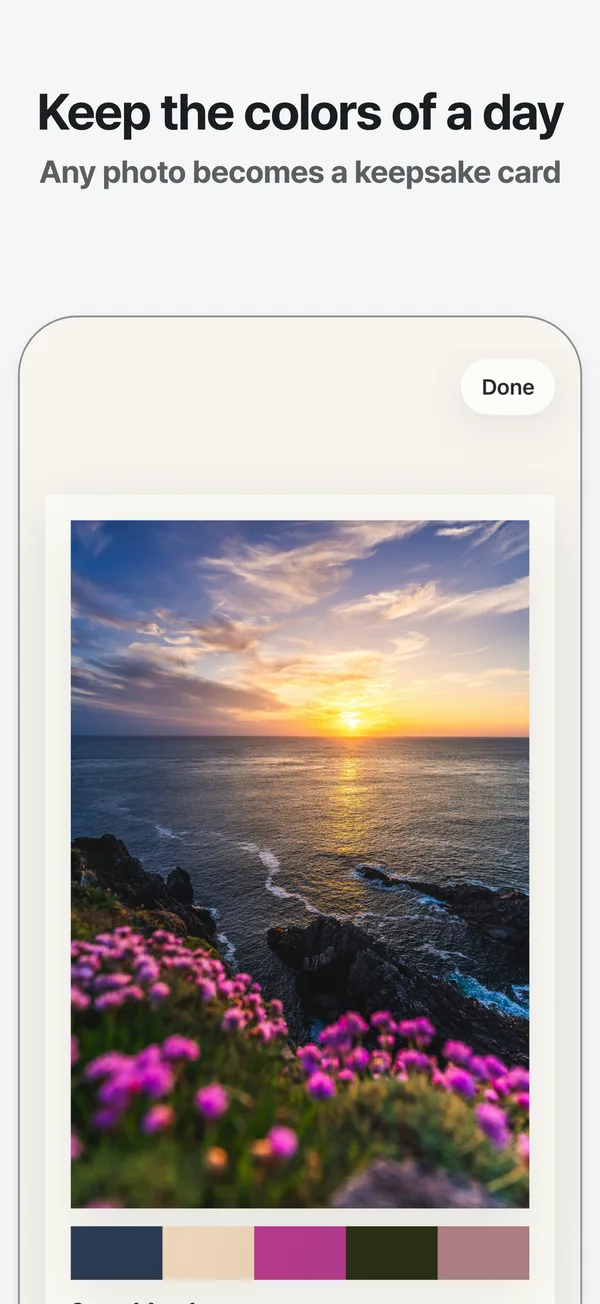
Swatchcraft pulls five colors from a photo and turns it into a keepsake card, plus a photo sticker, color tape and a note label to paste into your journal. All on your phone.
One purchase for iPhone and iPad. No subscription, no ads.
What changes
Your best photos stay in the camera roll and never make it into the journal.
A photo becomes a finished keepsake card with its own colors.
Picking colors that go with a photo, by eye, takes forever.
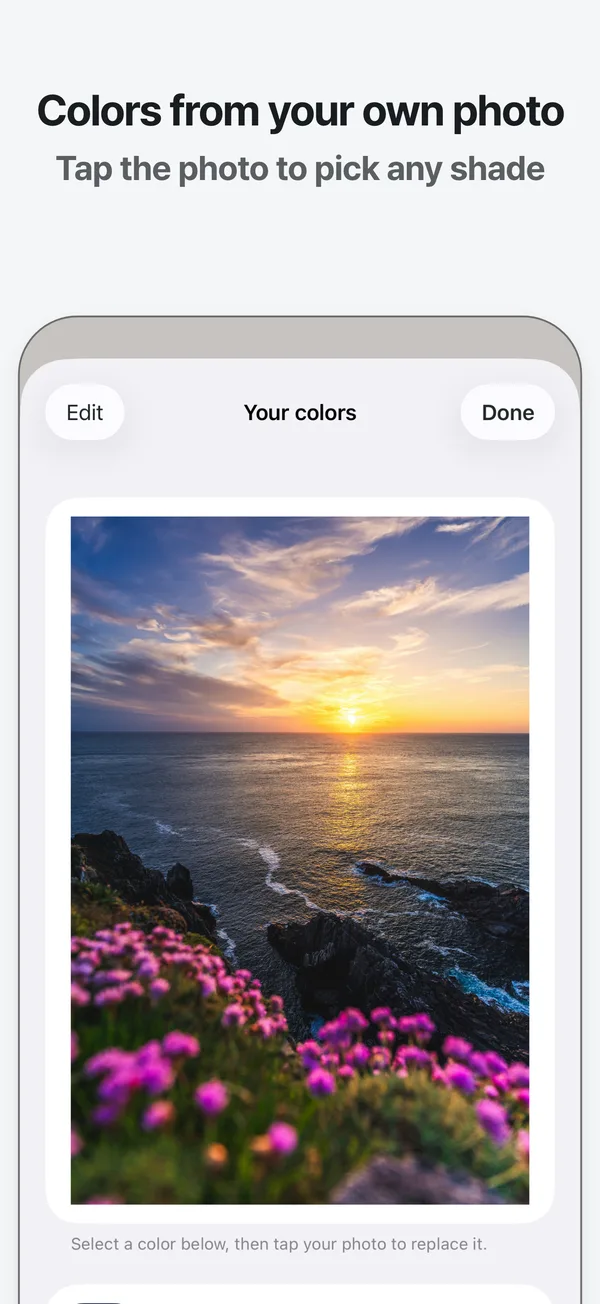
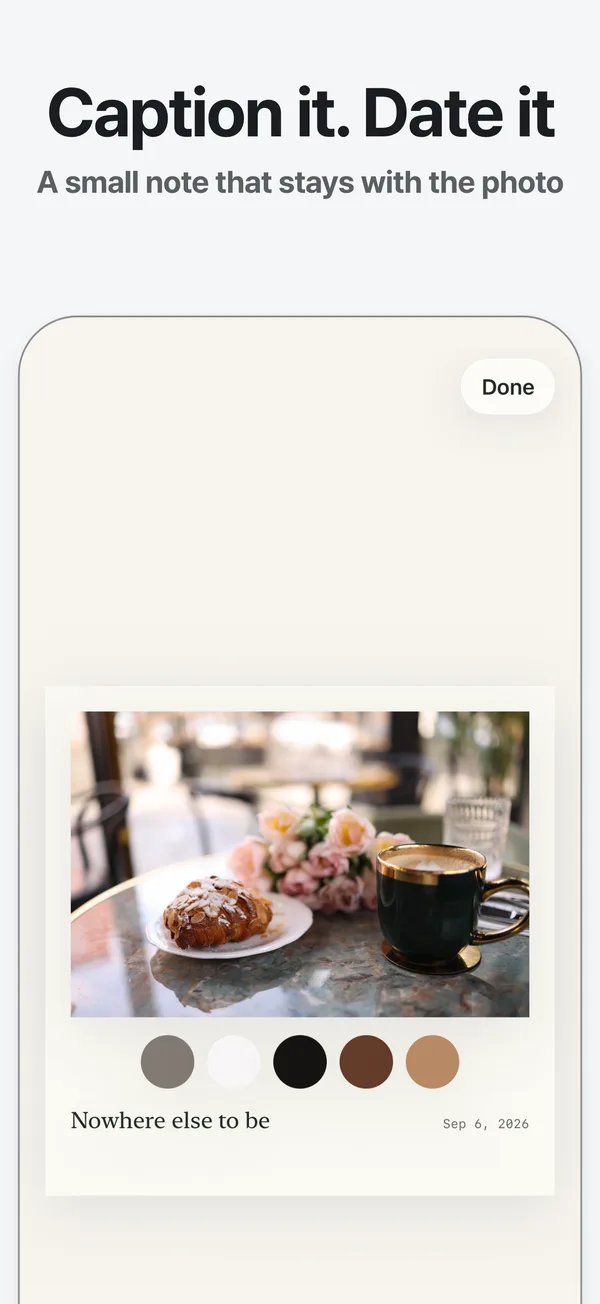
Five colors come straight from the photo. Tap to swap any of them.
Photo apps want an account, a subscription or your whole library.
Pay once. No account, no uploads, and it never reads your library.
What you get
Colors from your own photo
Swatchcraft reads the photo on your device and picks five colors that belong to it, not a preset filter. Tap anywhere on the photo to swap a shade, and copy any color code.
A card in three styles
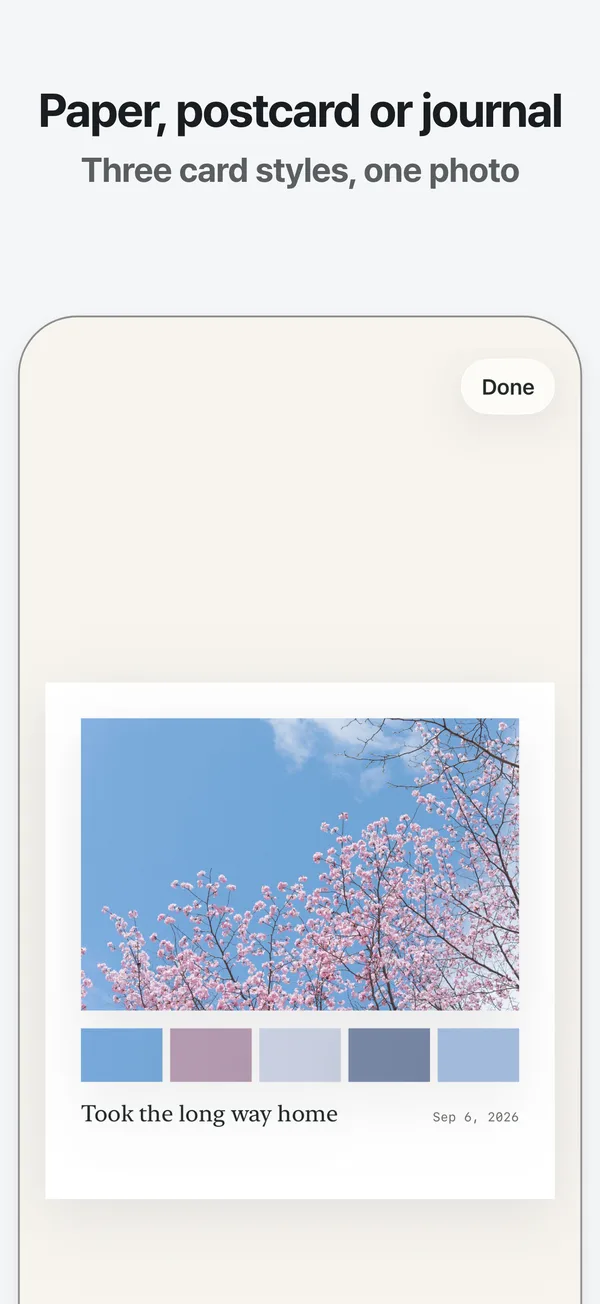
Choose Paper, Postcard or Journal and add a caption and a date. Every style keeps the whole photo visible, so nothing is cropped away to fit the layout.
Pieces for a real journal
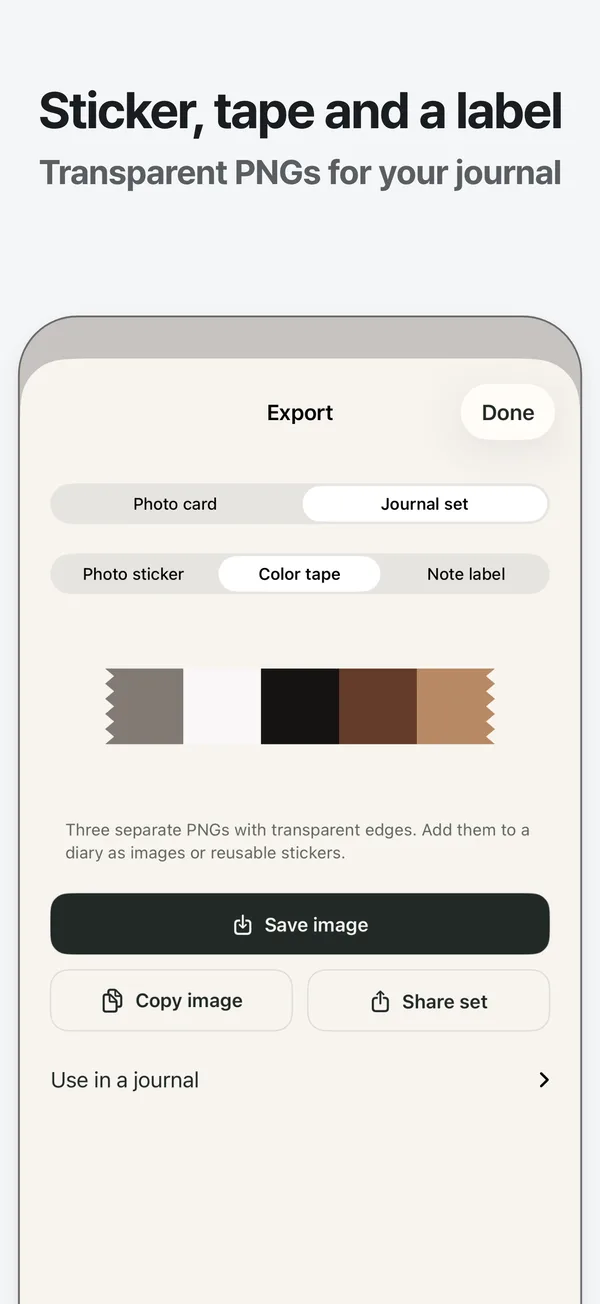
Export a bordered photo sticker, a strip of color tape and a note label as three transparent PNGs. Paste one into Goodnotes, or save the set to Photos or Files.
Price
One purchase for iPhone and iPad with every feature. No ads, no subscription, no account.
- Swatchcraft One-time purchase, every feature included
- $4.99
App Store prices as of 2026-09-28. Your country may show a local price.
Questions
Are my photos uploaded anywhere?
No. Photos are processed and saved only on your device. The app has no account and makes no network requests, so nothing is sent to Nante Studio or anyone else.
Can I change a card later?
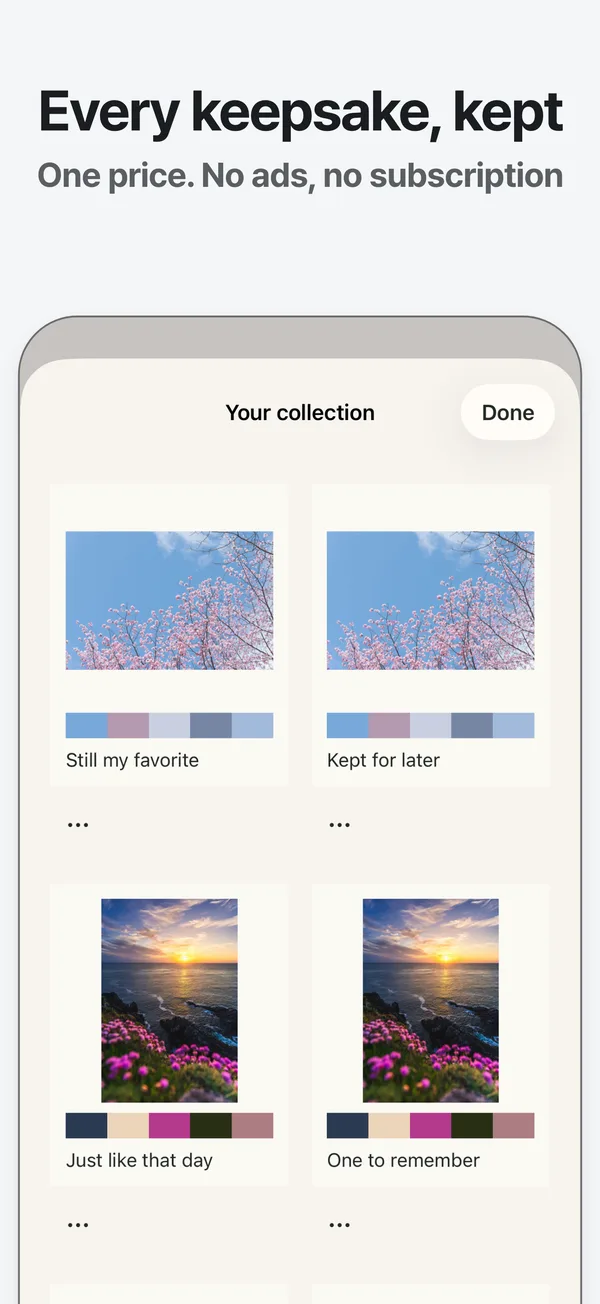
Yes. Every card you save goes into your collection. Open it again to change the caption, the date or a color, then export it again.
Is $4.99 the whole price?
Yes. One purchase unlocks every card style, the journal set and unlimited exports. There are no ads, no subscription and nothing else to buy.
Does it work with Goodnotes?
By copy and paste: copy a piece in Swatchcraft, then paste it onto your Goodnotes page. There is no direct integration.
Your photos, ready for your journal.
Get it on the App StoreOne purchase for iPhone and iPad. No subscription, no ads.