One photo
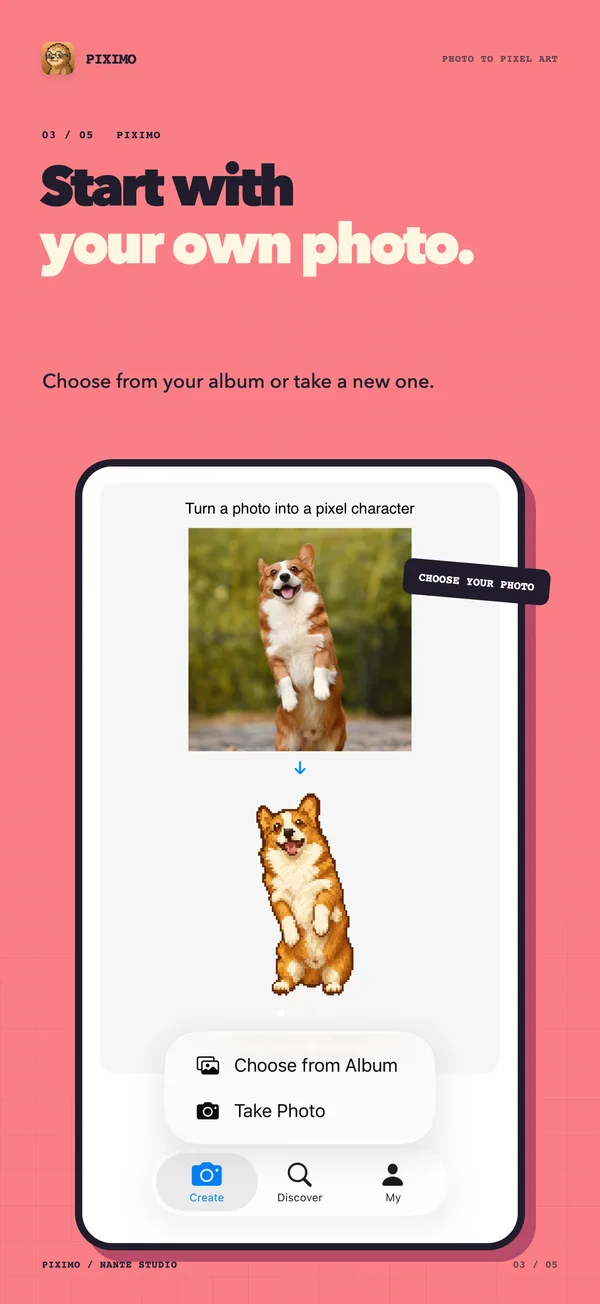
Pick a photo. That is it.
No prompt to write. Piximo finds the subject and draws it as a pixel character in the same pose.
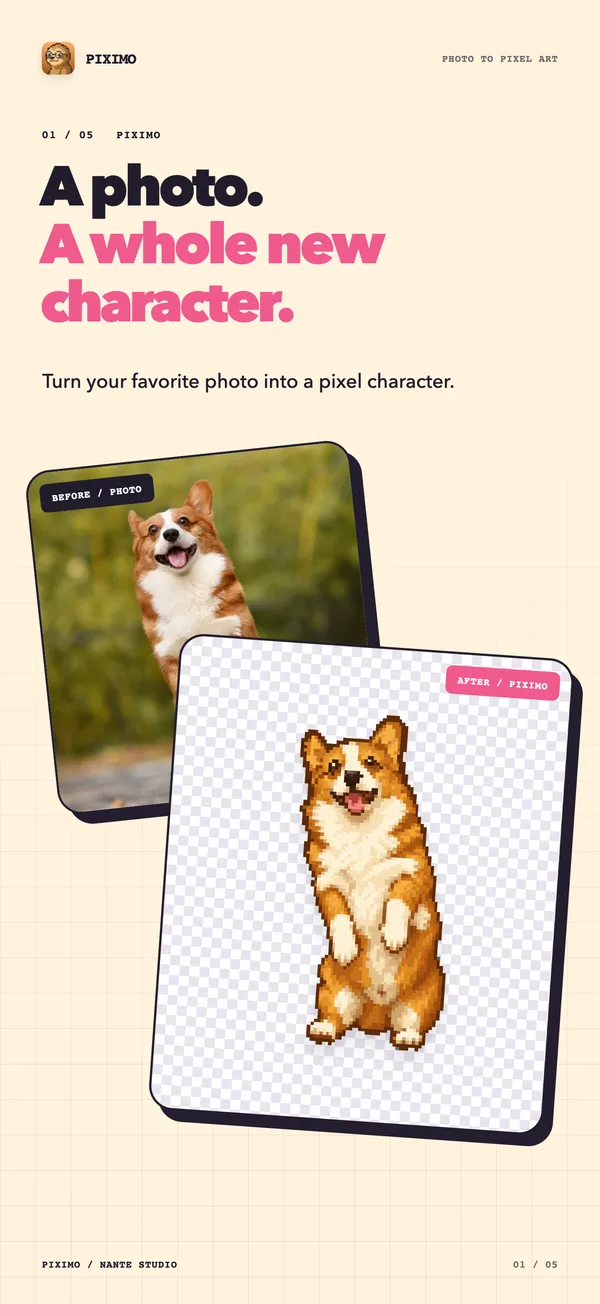
 Photo to pixel art
Pick a photo of your dog, your cat or the mug on your desk. Piximo cuts it out and redraws it as a pixel character, ready to use as a sticker.
Your first 2 characters are free.
Sound familiar?
One photo
No prompt to write. Piximo finds the subject and draws it as a pixel character in the same pose.
Cutout
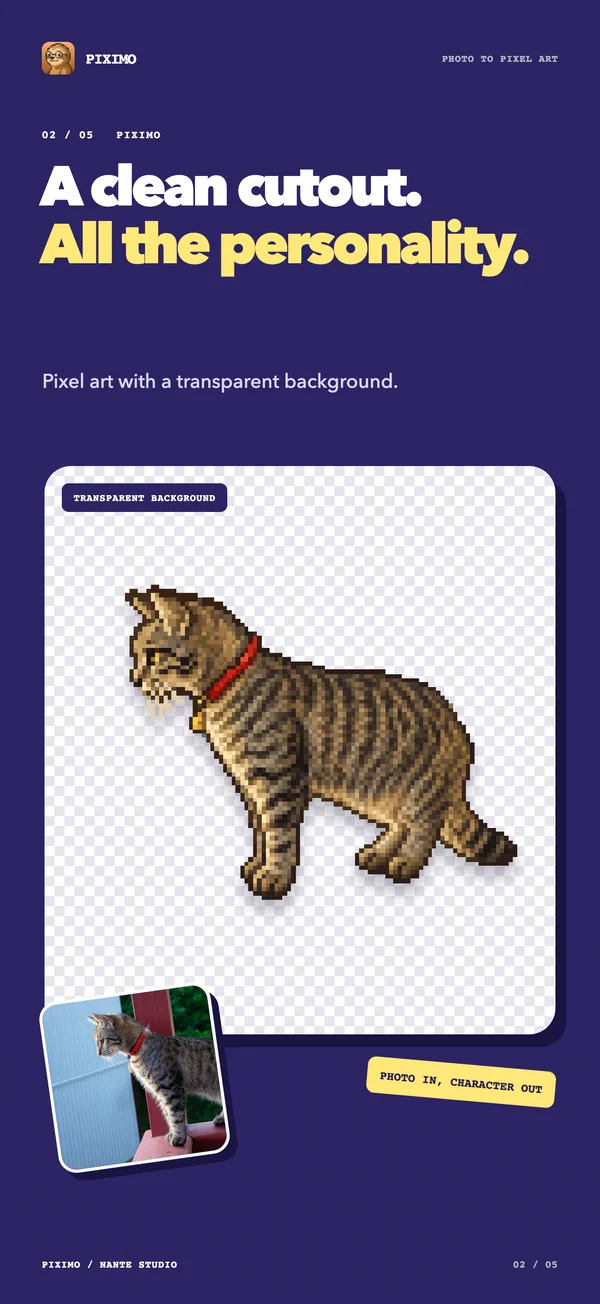
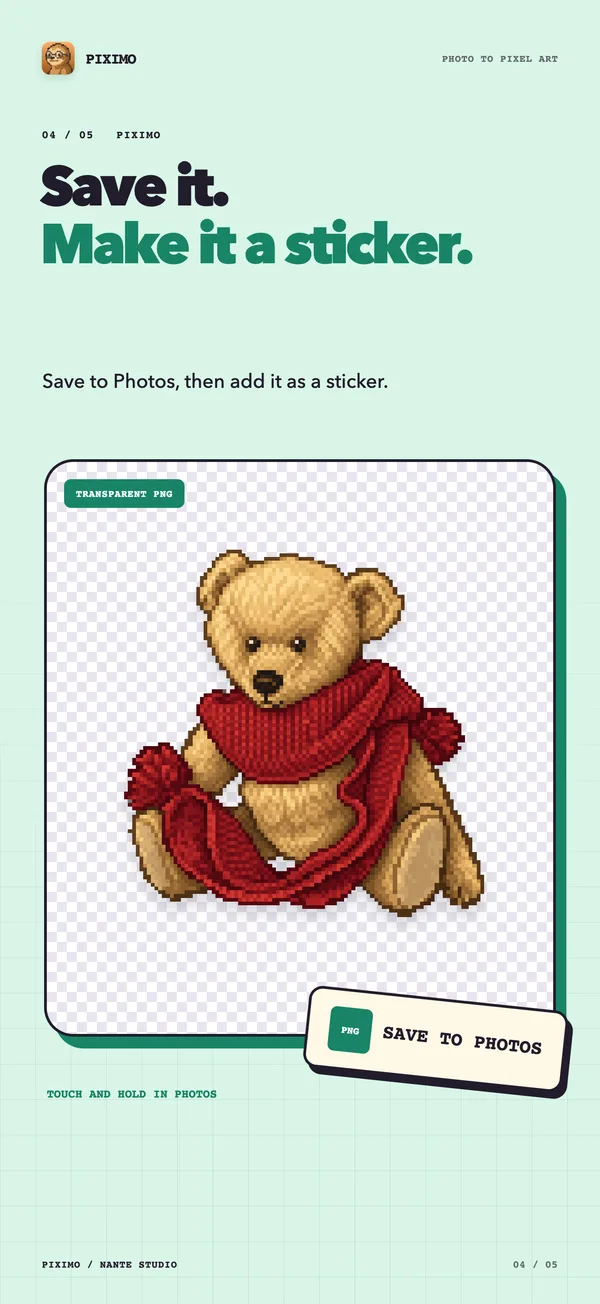
The cutout runs on your phone, so the character arrives as a transparent PNG.
Share
Drop it into chats, your profile picture or a sticker pack.
Anyone who wants a pixel version of their pet, a friend or a favorite object for chats, profiles and stickers, without learning to draw pixel art.
Yes. Your first 2 characters are free. After that, characters use tokens from a token pack or Piximo Pro.
A pixel editor has you place every square by hand. Piximo starts from your photo and draws the whole character for you.
Your photo is sent to Nante Studio's server to draw the character, and the result is kept so you can find it again in the My tab. The background cutout runs on your device.
Your first 2 characters are free.